Walk. Play. Nap. Repeat.
Watch your cat wander, sprint, play, eat, groom and settle down for a nap. Pick an activity to preview, or let its day unfold.
Help shape Companion Cat
Meet your new pixel companion before its public release. Here’s how to join:
Use the same Google account for the group, the testing page and Google Play. If the app isn’t available straight away, allow a little time and try again.
Have feedback? Contact the group owners through Google Groups, or send private feedback through the app’s Google Play listing. Bug reports and suggestions are welcome!
Companion Cat · Android
Let a tiny pixel cat wander, play and curl up above your other apps. It’s a small touch of company for your everyday screen time.
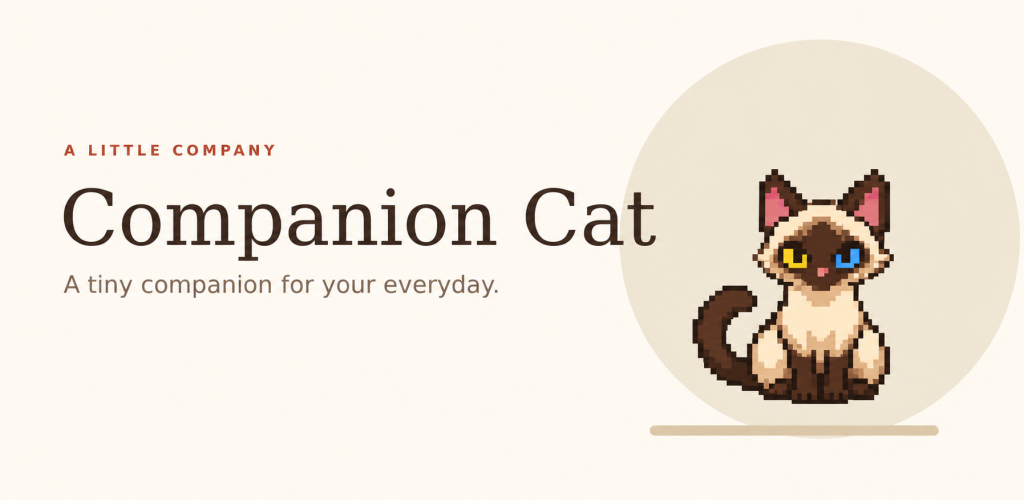
Siamese artwork shown. Companion Cat includes an original pixel cat and supports compatible imported sprite packs.
A cat with places to be
Watch your cat wander, sprint, play, eat, groom and settle down for a nap. Pick an activity to preview, or let its day unfold.
Choose its size, speed, roaming area and edge margins. Quick Setup helps you find a comfortable fit for your screen.
Start with the included cat or import a compatible sprite pack from a ZIP or folder. Preview its activities before letting it roam.
On your terms
Keep your companion close while you go about your day. Android’s “display over other apps” permission makes the floating cat possible.
You can try Companion Cat now through our closed beta. Join the testers group, opt in on Google Play and tell us what you think.